
Beschreibung
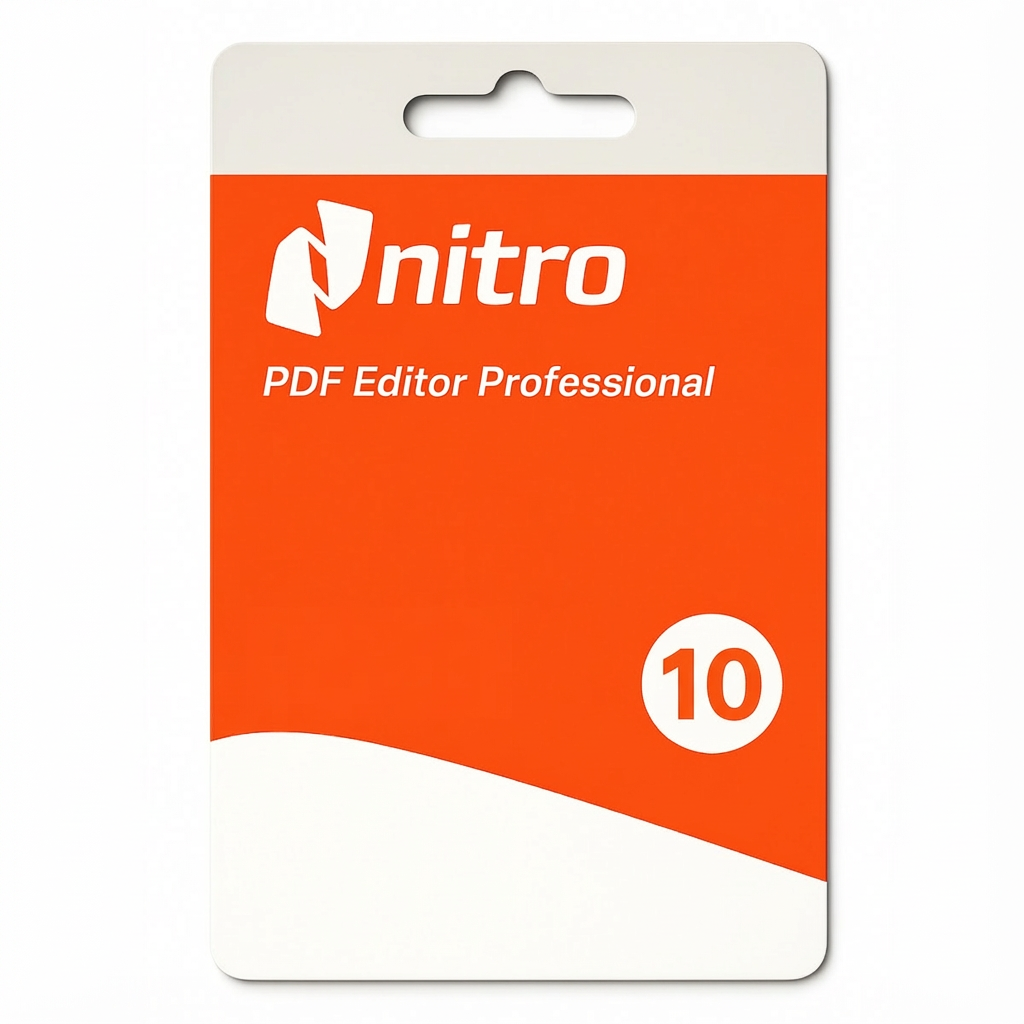
Nitro PDF Pro 10 – Professional PDF Solution for Windows
Was Sie erhalten:
Authentic Nitro PDF Pro 10 license key delivered digitally within 5-15 minutes of purchase. This is a genuine, full-version PDF application designed for professionals, students, and businesses who need comprehensive PDF creation, editing, conversion, and management tools—without ongoing subscription fees.
Important Note: Nitro PDF Pro 10 is a mature, stable perpetual license version. While the software remains fully functional and receives occasional stability updates, Nitro Software has shifted focus to subscription-based Nitro Pro (cloud version) with continuous updates. For the latest features and cloud integration, consider Nitro Pro (subscription). However, Nitro PDF Pro 10 is an excellent choice for users seeking a permanent, one-time license with no recurring costs.
Über diese Lizenz:
✓ Genuine Nitro Software License – Sourced from authorized resellers and volume distributors
✓ Full Version Software – Complete Nitro PDF Pro 10 feature set
✓ One-Time Purchase – Permanent license (no subscription needed)
✓ Perpetual Activation – One-time activation, yours forever
✓ Digital Delivery – Activation key and download link sent via email (typically within 5-15 minutes)
✓ For One Windows PC – Licensed for use on one Windows device
✓ No Recurring Charges – No monthly or annual fees
✓ Offline Functionality – Works completely offline after activation
Why Choose Nitro PDF Pro 10?
Nitro PDF Pro 10 is ideal for professionals who need:
-
Eine einmalige, dauerhafte Investition (kein Abonnement)
-
Professional PDF creation, editing, and management
-
Office-style interface (familiar and intuitive)
-
Offline functionality without cloud dependency
-
Full feature control without limitations
-
Compatibility with Microsoft Office workflows
Am besten geeignet für:
-
Studierende und Lehrkräfte
-
Office professionals and administrative staff
-
Accountants and financial professionals
-
Lawyers and legal professionals
-
Government and corporate employees
-
Small businesses managing PDF documents
-
Benutzer, die einmalige Käufe gegenüber Abonnements bevorzugen
-
Windows users with offline requirements
What’s Included in Nitro PDF Pro 10:
PDF Creation
-
Create professional PDFs from any source (documents, images, web pages)
-
Batch PDF creation from multiple files
-
Custom page sizes and layouts
-
Automatic file naming and organization
PDF Editing & Modification
-
Edit text and images directly in PDFs
-
Add or remove pages
-
Reorganize, delete, and rotate pages
-
Add headers, footers, and page numbers
-
Create fillable PDF forms
-
Add watermarks and backgrounds
PDF Conversion – To/From PDF
-
Convert PDFs to Microsoft Word (with formatting preserved)
-
Convert PDFs to Excel (maintains tables and data)
-
Convert PDFs to PowerPoint (preserves layouts)
-
Convert Microsoft Office files to PDF
-
Export PDFs to multiple formats (JPEG, PNG, TIFF)
-
Preserve formatting and layouts during conversions
Document Security & Protection
-
Password protect PDFs (view and edit passwords)
-
Set document permissions (prevent printing, copying, editing)
-
Digital signatures for legally-binding authentication
-
Redact sensitive information permanently
-
Encrypt documents with strong encryption
-
Remove passwords from PDFs (with proper access)
Document Management & Organization
-
Merge multiple PDF files into single documents
-
Split large PDFs into separate files
-
Extract specific pages or sections
-
Rearrange page order easily
-
Batch processing for multiple files
-
File compression to reduce size
Advanced Tools
-
OCR (Optical Character Recognition) – convert scanned documents to searchable text
-
PDF comparison – identify differences between versions
-
Annotation tools – comments, highlights, underlines
-
Measurement tools – measure distances and areas in PDFs
-
Batch operations – process multiple files automatically
Microsoft Office Integration
-
Office-style ribbon interface (familiar layout)
-
Seamless integration with Word, Excel, PowerPoint
-
Direct PDF export from Office applications
-
Convert Office documents with one-click
-
Maintain professional formatting
Technische Spezifikationen und Systemanforderungen:
Windows-Kompatibilität:
-
Windows 11 (supported)
-
Windows 10 (vollständig unterstützt)
-
Windows 8.1 and earlier (may have compatibility issues)
Hardware-Anforderungen:
-
Processor: Intel or AMD processor (1.5 GHz or faster)
-
RAM: 2 GB minimum (4 GB recommended for optimal performance)
-
Storage: 500 MB free space for installation
-
Bildschirm:mindestens 1024 x 768 Pixel Auflösung
-
Internet Connection: Required for activation only (not required for daily use)
Softwareanforderungen:
-
Gültige Windows 10- oder Windows 11-Installation
-
Administratorrechte für die Installation
-
Internetverbindung für die Erstaktivierung
-
.NET Framework (typically pre-installed on Windows)
Key Differences: Nitro PDF Pro 10 vs. Nitro Pro (Subscription):
| Funktion | Nitro PDF Pro 10 | Nitro Pro (Subscription) |
|---|---|---|
| Kosten | Einmalige Zahlung | Monatliches/jährliches Abonnement |
| Aktualisierungen | Stable, limited updates | Continuous new features |
| Cloud Integration | Limited | Full cloud access |
| Cloud-Speicher | Nicht enthalten | Included (cloud backup) |
| Devices | Ein Windows-PC | Up to 2 devices |
| Offline | Vollständige Offline-Fähigkeit | Funktioniert online und offline |
| Zusammenarbeit | Basic tools | Advanced collaboration |
| Unterstützung | Limited support | Premium support |
| e-Signature | Enthalten | Advanced e-signature |
| Latest Features | Nicht enthalten | Always latest tools |
So funktioniert die Aktivierung:
-
Place Your Order – Purchase Nitro PDF Pro 10 license
-
Receive Your Activation Key – License key delivered to your email within 5-15 minutes
-
Download Nitro PDF Pro 10 – Download link provided (or from Nitro website)
-
Install on Your Windows PC – Run installer and follow setup wizard
-
Activate with License Key – Enter your activation key during installation or after launch
-
Start Using Nitro PDF – All features unlocked and ready to use
Typische Aktivierungszeit:10–15 Minuten (einschließlich Download)
Lizenzbedingungen und wichtige Informationen:
Was Sie erhalten:
-
One Nitro PDF Pro 10 license key
-
Perpetual activation on one Windows device
-
Full access to all professional PDF features
-
Ability to reinstall on the same device if needed
-
Single-device license tied to your Nitro account
-
All existing features available (no limitations)
Lizenzbeschränkungen:
-
This license is for one Windows PC only
-
The license cannot be transferred to another device once activated
-
Die Lizenz ist nicht auf andere Personen übertragbar.
-
Installation on a second device may require purchasing an additional license
-
Some cloud features may not be available (cloud-based Nitro Pro offers these)
-
Volume licensing available for organizations (contact support for enterprise pricing)
Wichtige Hinweise:
-
Perpetual Version: This is the stable, mature version of Nitro PDF Pro
-
Limited Updates: Receives occasional stability updates but no major new features
-
Cloud Alternative: Nitro Pro (subscription) offers cloud features and continuous updates
-
Windows Only: This version is for Windows only (not macOS)
-
Support Status: Limited support; Nitro focuses on subscription version
-
Upgrade Path: Can upgrade to Nitro Pro (subscription) for continuous updates and cloud features
Rückerstattungsrichtlinie:
-
Rückerstattungen werden innerhalb von 24 Stunden nach dem Kauf akzeptiert, wenn der Lizenzschlüssel noch nicht aktiviert wurde.
-
Keine Rückerstattung nach Aktivierung der Lizenz (Schlüssel können nicht wiederverwendet werden)
-
Wenn Ihr Schlüssel nicht aktiviert werden kann, stellen wir Ihnen innerhalb von 48 Stunden kostenlos einen Ersatzschlüssel zur Verfügung.
-
Bei anderen Problemen wenden Sie sich bitte an unser rund um die Uhr erreichbares Support-Team.
Support & Hilfe:
Unser Team steht Ihnen rund um die Uhr zur Verfügung, um Ihnen bei folgenden Angelegenheiten zu helfen:
-
Wichtige Fragen zur Lieferung und Aktivierung
-
Installationsanleitung und Fehlerbehebung
-
Fragen zur Windows-Kompatibilität
-
Ersatz des Lizenzschlüssels (falls erforderlich)
-
General Nitro PDF Pro 10 setup support
-
Migration guidance to Nitro Pro (subscription, if interested)
E-Mail: contact@coyotekeys.com
Reaktionszeit des Supports:In der Regel innerhalb von 2 Stunden
Verfügbarkeit des Supports:24 Stunden, 7 Tage die Woche
Frequently Asked Questions About Nitro PDF Pro 10:
Q: How long does activation take?
A: You’ll receive your license key within 5-15 minutes of purchase. Installation and activation on your Windows PC typically takes 10-15 minutes. You can start using Nitro PDF Pro 10 immediately.
Q: Can I install this on multiple computers?
A: No. This is a single-device license. You can install on one Windows PC only. If you need to use Nitro PDF on multiple devices, consider Nitro Pro (subscription, which supports up to 2 devices) or purchase additional licenses.
Q: Does it work offline?
A: Yes. Nitro PDF Pro 10 works completely offline for all core features. Internet connection is needed only for initial activation and optional cloud features.
F: Was kann ich tun, wenn ich meinen Lizenzschlüssel nicht aktivieren kann?
A: Unser Support-Team hilft Ihnen kostenlos bei der Fehlerbehebung. Sollte der Schlüssel defekt sein, erhalten Sie umgehend einen Ersatz. Kontaktieren Sie support@coyotekeys.com.
Q: Is this a legitimate Nitro Software license?
A: Yes. This is a genuine Nitro PDF Pro 10 license sourced from authorized resellers. It provides the same functionality as a license purchased directly from Nitro Software.
F: Kann ich meinen Schlüssel zurückgeben, wenn ich es mir anders überlege?
A: Ja, sofern Sie ihn noch nicht aktiviert haben. Wir bieten Rückerstattungen innerhalb von 24 Stunden nach dem Kauf für ungeöffnete/nicht aktivierte Schlüssel an. Nach der Aktivierung sind Rückerstattungen nicht mehr möglich, da die Schlüssel nicht wiederverwendet werden können.
Q: What’s the difference between Nitro PDF Pro 10 and Nitro Pro?
A: Nitro PDF Pro 10 is a perpetual, one-time purchase with no cloud features. Nitro Pro is a subscription with cloud storage, continuous updates, and multi-device support. Choose PDF Pro 10 if you want a permanent investment; choose Nitro Pro for latest features and cloud access.
Q: Will Nitro PDF Pro 10 receive updates?
A: Nitro PDF Pro 10 is a mature version that receives occasional stability and security updates from Nitro. However, no major new features are planned. For continuous updates and new features, consider Nitro Pro (subscription).
Q: Does it have cloud backup or cloud features?
A: No. Nitro PDF Pro 10 is a desktop-only application with limited cloud features. Nitro Pro (subscription) offers full cloud storage and cloud collaboration.
Q: Can I upgrade to Nitro Pro later?
A: Yes. You can purchase Nitro Pro (subscription) at any time. Your Nitro PDF Pro 10 license remains valid on that device.
F: Ist die Einrichtung kompliziert?
A: Nein. Die Einrichtung ist ganz einfach. Wir bieten Schritt-für-Schritt-Anleitungen und bei Bedarf auch Support. Der Installer erledigt die meisten Schritte automatisch.
Q: Does it work on Windows 7 or 8?
A: Nitro PDF Pro 10 was designed for Windows 10 and 11. Compatibility with Windows 7/8 is limited and not guaranteed. For older Windows versions, contact support to verify compatibility.
Why Buy Nitro PDF Pro 10 From Coyote Keys:
-
Echte Lizenzen– Alle Schlüssel stammen von autorisierten Händlern
-
Wettbewerbsfähige Preise– Durch Großeinkäufe können wir bessere Preise anbieten.
-
Schnelle Lieferung– Digitale Schlüssel werden innerhalb von 5 bis 15 Minuten zugestellt.
-
Experten-Support– Support-Team rund um die Uhr, das Ihnen bei allen Problemen hilft
-
Zuverlässigkeit– Über 46.000 zufriedene Kunden vertrauen uns
-
Geld-zurück-Garantie– Zufriedenheit garantiert oder Sie erhalten Ihr Geld zurück (innerhalb von 24 Stunden, vor der Aktivierung)
-
Einmalige Investition– keine monatlichen Gebühren oder Überraschungen
-
Professional Tools – Full Nitro PDF Pro 10 functionality

Bewertungen
Es gibt noch keine Bewertungen.